Machine-generated interfaces share a fingerprint. Once you know what to look at, you can call it from across the room. Here are the nine signs that give it away, ranked from most to least reliable, plus how to confirm in thirty seconds.
From the uxskill team · 6 min read · MIT-licensed open source
The short answer
A website was almost certainly AI generated when several default choices appear together that no human picks on purpose at the same time: a violet-to-indigo gradient, three feature cards of equal weight, Inter as the only font, an emoji used as an icon, and a three-tier pricing table with the middle plan highlighted. One of these is a coincidence. Four or more is a confession.
The reason this works is structural, not anecdotal. A large language model asked to build a page with no design direction does not invent. It returns to the center of its training distribution and emits the most statistically common version of every decision. Different prompts, different models, and different days converge on the same look because they are all averaging the same web. The result is a house style nobody chose and everybody recognizes once it is named.
That convergence is exactly what makes detection possible. Below are the tells in the order a designer actually notices them. You do not need the source code for the first six.
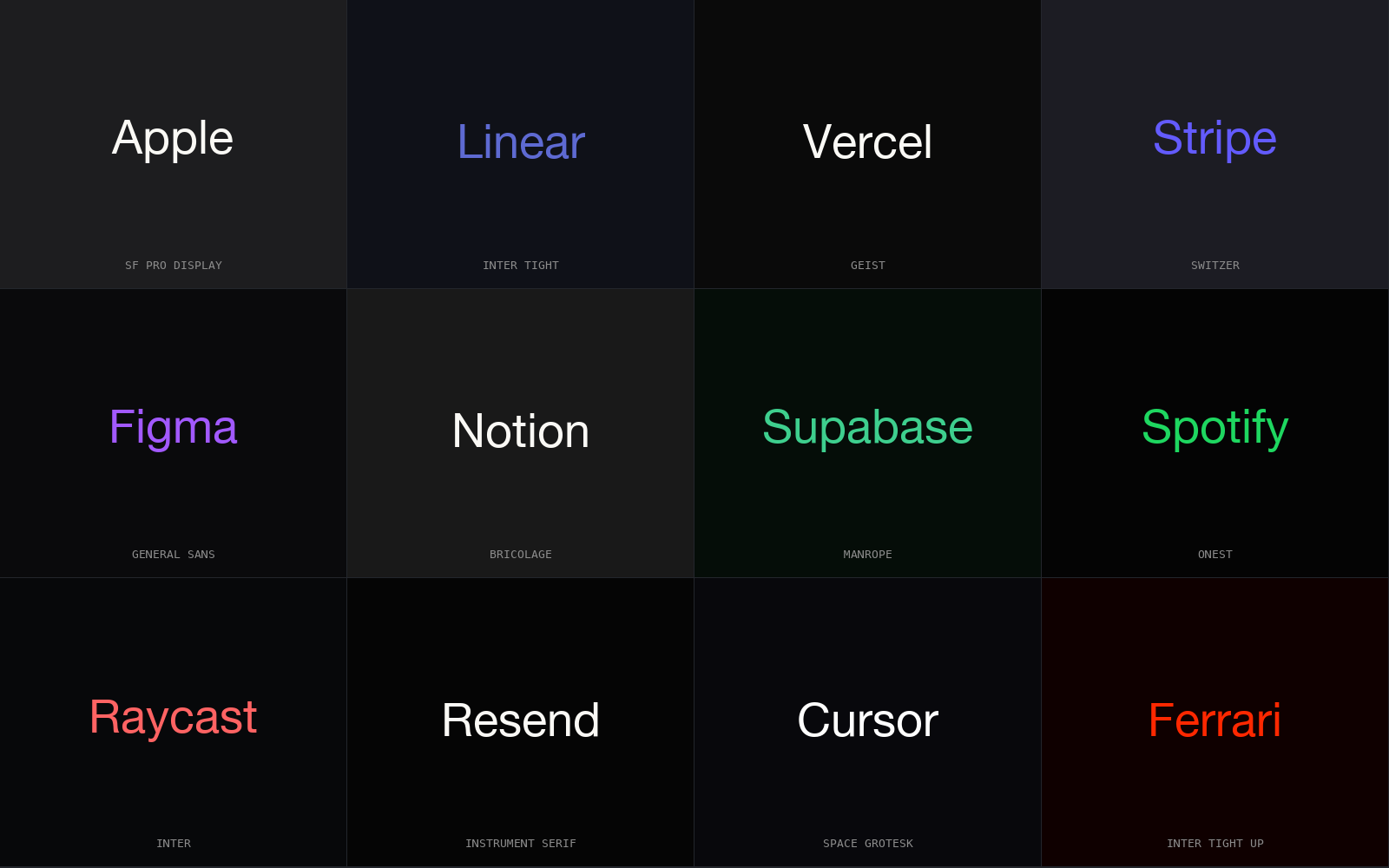
Real brands diverge; AI defaults converge. The tells below are the signatures of that convergence.
The signals
01
The violet-to-indigo gradient
The single strongest signal. A diagonal blend from roughly #7c3aed to #6366f1, used on the hero, the primary button, or a glowing background blob. It is the default accent a model reaches for when no palette is given, because purple reads as premium and indigo reads as technical, and the training data is saturated with both.
Tell: a purple gradient with no brand reason behind it. A company whose logo is purple gets a pass. A generic dashboard whose only color is this gradient does not.
02
Three identical feature cards
A row of exactly three cards, equal width, equal height, each with an icon on top, a short heading, and two lines of body text. Real content is lopsided because real features are not equally important. A perfectly balanced trio is a layout the model reached for, not a hierarchy a human decided.
Tell: three is the magic number. Watch for the same pattern repeated as a three-step "how it works" and a three-tier pricing block on the same page.
03
Inter, and only Inter
One neutral sans-serif doing every job, from the 64-pixel headline to the footer fine print, with no contrast between display and body. Inter is the most common answer, with Roboto and system-ui close behind. Human typography almost always pairs a character face for headings with a workhorse for text. A page set entirely in one geometric sans was typeset by a model.
Tell: open the page and ask what the headline font is. If the answer is "the same as the paragraph," that is the sign.
04
An emoji standing in for an icon
A rocket for "launch," a lightning bolt for "fast," a lock for "secure," dropped inline as a literal emoji character rather than a drawn icon. Models reach for emoji because they are zero-effort and universally available. No design system of any quality ships emoji as iconography, so their presence is a strong negative signal on its own.
Tell: if the "icons" render slightly differently across your phone and your laptop, they are emoji, not SVG.
05
The three-tier pricing table, middle plan highlighted
Three plans side by side, the center one lifted with a colored border and a "Most popular" ribbon. This is a genuine pattern, which is what makes it useful as a tell: the model reproduces the cliche version exactly, with evenly spaced features and a checkmark list that reads as filler rather than a real decision about what each tier withholds.
Tell: read the feature list. If the differences between tiers feel arbitrary, the table was generated to fit the shape, not to price a product.
06
A stock or generated hero with a dark scrim
A wide, glossy, slightly-too-perfect photograph behind the headline, dimmed with a semi-transparent black overlay so the white text stays legible. The scrim is the tell more than the photo. It is the reflex move for guaranteeing contrast over an image the model did not choose for any specific reason.
Tell: ask whether the hero image could be swapped for any other image in the same category with zero loss. If yes, no human selected it.
07
Soft shadows and uniform rounded corners everywhere
Every card, button, input, and image shares the same border radius and the same diffuse drop shadow, producing a soft, floating, weightless surface with no visual hierarchy. Real interfaces vary radius and elevation to signal importance. A page where everything has the same gentle pillow treatment was styled by a default, not a system.
Tell: there is no flat element anywhere and nothing has a hard edge. Sameness is the signal.
08
Centered everything, generous and even padding
Headline centered, subhead centered, buttons centered, every section a centered column with symmetrical breathing room top and bottom. Centered layouts are safe, which is why the model defaults to them. Confident design uses asymmetry, an offset grid, or a strong left edge to create tension. Relentless centering reads as a layout with no point of view.
Tell: scroll the whole page. If your eye never has to move left or right because everything sits on the centerline, that is the pattern.
09
Copy that says nothing in a confident voice
Headlines like "Transform your workflow" and "Built for modern teams," subheads that promise to "unlock your potential" and "supercharge productivity." The grammar is clean and the claims are empty because the model wrote toward the average of all marketing copy. Specific products use specific words. Generic uplift language is the verbal version of the purple gradient.
Tell: try to name the actual product feature from the headline. If you cannot, the copy was generated to sound like a landing page rather than to describe one.
How to weigh the signals
No single tell is proof. Plenty of human-built sites use Inter, and plenty of real companies own a purple brand. Detection is about clustering, not any one sign. Zero or one of the nine is likely a deliberate choice. Two or three suggests AI-assisted work that was lightly edited. Four or more on one page is the centroid look in full, almost certainly generated with no art direction on top.
Confirm it in thirty seconds
If you want certainty rather than a confident guess, open the page source or developer tools and check three things. They take longer to fake than to leave at default, so they rarely lie.
The font stack. Inspect the headline and the body. If the font-family is identical on both and it is Inter, Roboto, or bare system-ui, that is one mark.
The gradient stops. Search the CSS for linear-gradient. Violet and indigo hex values in the 270-to-250 hue range with no matching brand color elsewhere is a second mark.
The spacing values. Look at margins and padding. A real design system uses a consistent scale such as 4, 8, 16, 24, 32. Arbitrary one-off numbers like 23px and 37px scattered around suggest output assembled without a token system.
For whole codebases rather than single pages, the same fingerprints can be scored automatically. The full list of 35 AI design fingerprints documents each pattern as a rule, and the anti-patterns catalog shows the 152 the uxskill linter checks against the markup, with a non-zero exit code when too many appear.
The honest caveat
This detects the absence of direction, not the use of a tool
None of these signs mean AI touched the project. They mean nobody overrode the defaults. A skilled person using Cursor or Claude Code produces work with none of these tells, because they brought taste and a brand to the prompt. The fingerprint is the look of generation left unedited, and the goal is not to avoid AI but to make sure the output carries a decision a human would defend. See why generated apps regress to the same mean for the mechanism behind every tell on this page.
Stop shipping the centroid look
Catch the fingerprints before they ship.
uxskill is an open-source design engine for AI coding. It anchors output to your brand, then lints it against 152 anti-pattern rules so the purple gradient and the three identical cards never reach production. Offline, deterministic, no telemetry, MIT licensed.