Zed design plugin: install ux-skill to stop generic AI design output.
Zed is the new high-performance Rust IDE. Built by the team behind Atom, designed around multiplayer-by-default editing, GPU-accelerated rendering, and a first-class MCP client called the Agent Panel. Zed is excellent at code. It has nothing native for design rules. ux-skill plugs into Zed three ways and adds a deterministic design constraint layer to every AI generation.
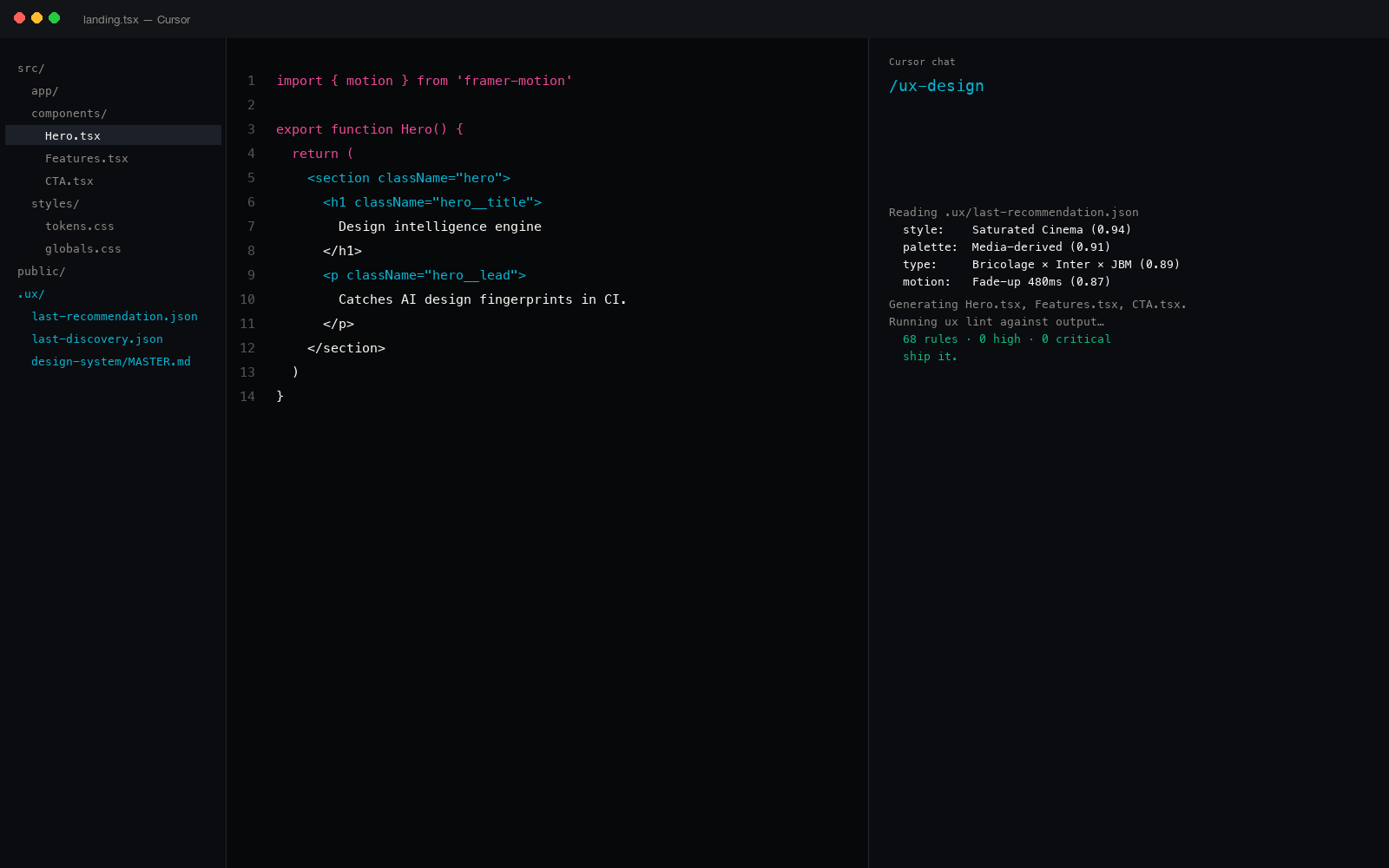
Why Zed users hit the design problem differently
Zed's Agent Panel is one of the cleanest MCP host implementations available. The IDE was designed from the start to call Model Context Protocol tools, not bolted on afterward. That makes Zed unusually well-suited to ux-skill: the same MCP server that runs in Claude Desktop runs in Zed with no adaptation.
But Zed inherits the same model defaults that every other AI surface does. When you ask Zed's agent to "build a landing page," the output reverts to Inter at 90px, the canonical purple-to-blue AI gradient, three identical cards, and "Click here" CTAs. These are not Zed's choices; they are the underlying model's defaults, which Zed inherits along with the rest of its agent capabilities.
Fixing that means feeding constraints in alongside the prompt. ux-skill exposes a recommender, a generator, and a linter, all reachable from Zed through three install paths.
Three install paths in Zed
The MCP server path (recommended)
Zed's Agent Panel reads its MCP server list from ~/.config/zed/settings.json under the context_servers key. Add ux-skill as a stdio server pointing at the ux-mcp entry point and the 18 tools become available to the agent.
{
"context_servers": {
"uxskill": {
"command": "ux-mcp",
"args": [],
"env": {}
}
}
}
Best for: Zed users who already work through the Agent Panel and want the full 14-tool surface (recommender, linter, brand library, persist layer).
The CLI path (works in Zed's terminal pane)
Zed ships a native terminal pane. Install ux-skill with pip or npx and call the CLI directly from there. Useful when you want the linter as a pre-push gate or as a one-off pass against a directory.
$ ux discover # 10-field interactive brief
$ ux recommend # 5-parallel-search merge
$ ux lint ./src --threshold high # exit 1 on fingerprints
Best for: actively designing inside Zed's terminal, or running the linter as a CI step independent of the Agent Panel.
The pre-commit hook path (CI-grade gate)
If your Zed project already uses pre-commit, ux-skill registers as a hook that runs against staged files. The linter scans only what is about to be committed, so the average run stays under 200 milliseconds.
repos:
- repo: local
hooks:
- id: uxskill-lint
entry: uxskill lint --threshold high
language: python
Best for: production projects where the linter must run on every commit, independent of which IDE the author used.
What changes when ux-skill runs in Zed
Same prompt to Zed's Agent Panel: "design a landing page for a payments platform targeting MENA SMBs." Zed alone versus Zed plus ux-skill loaded as an MCP server.
The fingerprints arrive on schedule.
- Hero with Inter at 96px and line-height 1.0
- Default purple-to-blue gradient behind the hero
- Three identical pricing cards in equal-height grid
- "Beautiful payments, seamlessly" hero copy
- "Get started" and "Learn more" button pair
- fade-in-up motion on every direct child
- Placeholder names like Maya Iqbal not provided; model uses generic Western names instead
The recommender forces a system first.
- Recommender returns: editorial-precise plus cool-neutral plus warm accent plus Fraunces/Inter pair plus restrained motion
- Brand spec reference: Stripe (payments) and Linear (precision)
- Hero with Fraunces at 56-72px italic, Inter 18px body
- Cool surface canvas, one accent color, no gradient
- Asymmetric layout, not three identical cards
- Hierarchy-aware motion: hero opens, supporting content cascades
- Linter exits 1 if any of 68 regex fingerprints sneak through
The difference is not taste-by-magic. It is constraint by structure. Zed's Agent Panel still generates the code; ux-skill defines the rails it cannot drift off.
Why Zed pairs well with the MCP path specifically
Other IDEs have project-rule files (Cursor's .cursorrules, Windsurf's .windsurfrules, Copilot's .copilotrules). Zed does not lean on a project-rule file the same way. It leans on the Agent Panel's MCP client, which means the cleanest design extension is the MCP server, not a static rules file.
ux-skill v2 publishes 18 MCP tools. The Agent Panel sees all 14 the moment Zed starts. The recommender (ux_recommend) and the linter (ux_lint) are the two most commonly invoked; the rest cover catalog reads and persistence.
What ux-skill ships
For Zed users, the relevant numbers are:
- 959 structured entries across 12 JSON manifests: styles (84), palettes (176), type pairs (70), motion presets (57), components (148), industries (184), chart types (35), tech stacks (25), anti-patterns (68), UX guidelines (112).
- 68 deterministic regex rules in the anti-slop linter. No LLM judgment in the audit lane.
- 160 brand DESIGN.md specs. Apple, Stripe, Linear, Figma, Tesla, BMW, Notion, Spotify, plus 84 more.
- 18 MCP tools registered, all reachable from Zed's Agent Panel through one config block.
- 25 slash commands when used alongside Claude Code on the same project.
How Zed differs from VS Code design extensions
VS Code has a deep extension marketplace with several design-token managers and theme builders. None of them carry the same architecture as ux-skill, but it is worth being explicit about the difference.
- VS Code design extensions are theme-focused. They help you author colors and tokens for the editor itself or for a static design system file. ux-skill is recommender-focused. It picks the system based on a brief, then enforces it in code.
- VS Code extensions run inside the IDE. ux-skill is a Python engine that runs as a subprocess. Same machinery in Cursor, Windsurf, Zed, Claude Desktop, Continue. The IDE is interchangeable.
- VS Code extensions cannot enforce in CI. ux-skill ships as a pip package, so the same lint runs in pre-commit and in GitHub Actions. The IDE is one transport; CI is another.
Zed's strength is that it understands MCP natively. That makes the engine-as-subprocess pattern feel native instead of bolted on.
Zed is excellent at code. ux-skill is the constraint layer that turns "design something" into "design within these specific rules."
What it does not do
Be specific about the limits:
- No Zed-specific theme. ux-skill recommends design systems for the projects you build in Zed, not for the Zed editor itself. For Zed themes, use Zed's built-in theme marketplace.
- No live preview. ux-skill is a recommender plus linter. Use Zed's normal preview workflow or pair with v0.dev / Bolt.new.
- No component library. The 148 components in the catalog are descriptions of what to build, not finished snippets. Pair with shadcn/ui MCP or Tailwind UI for actual implementations.
- Not branded. ux-skill is 14 stars on GitHub. ui-ux-pro-max-skill is 84,005. If you need community momentum, install both and compose them.
About the 14-star claim
ux-skill v2 is new (v2.0.0-alpha.1 shipped recently) and solo-maintained. We do not have the install base ui-ux-pro-max-skill has. The case for installing in Zed is architecture (an MCP server with 18 tools, a 145-rule deterministic linter, 160 brand specs, cross-IDE distribution), not awareness.
Install it for the MCP server and the linter. If you only need a prompt-only taste primer, taste-skill (25,359 stars) is also reasonable. Both are MIT.
Five minutes to working
End to end from a fresh Zed project:
pipx install uxskillin Zed's terminal pane.- Verify
which ux-mcpreturns a path. - Open
~/.config/zed/settings.json, add thecontext_serversblock from earlier. - Restart Zed.
- In the Agent Panel, ask the agent to "use ux_recommend to pick a design system for X." The tool call fires; the recommendation lands.
- Ask the agent to "use ux_persist_save to write MASTER.md to the project root." The design system materializes as files.
Total install plus first generation: under five minutes. Total cost: zero. License: MIT.