FIELD NOTES · 2026-05-29
Everything built with shadcn/ui looks the same,
and how to break out.
shadcn/ui is the best thing to happen to React UI in years. You own the component code, it sits on Radix for behaviour, and nothing is locked behind a theme prop. That is exactly why every shadcn app looks like every other shadcn app: the components ship unstyled, an AI fills the styling, and it reaches for the same defaults every single time. The library is not the problem. The missing brief is.
Unstyled is the feature, not the bug
shadcn/ui does something deliberate that most libraries don't: it gives you primitives, not a finished skin. A Button is structure and behaviour with a set of CSS variables left open for you to fill. That is the whole pitch: copy the code in, make it yours.
The trouble starts at "make it yours." When a person skips that step, the variables keep their starter values. An AI does worse than skip it: asked to pick, it picks the most probable styling it has seen, and that is the one in ten thousand tutorials and starter repos. A thousand independent apps converge on one face.
The defaults everyone ships
The convergence is specific enough to list. Almost every AI-built shadcn surface arrives wearing the same five:
- The zinc neutral ramp, untouched, from background to border to muted text.
- A violet primary: the accent the starter ships and nothing overrides.
- Inter at the default weights, pressed into service for both body and headings.
- The stock border-radius and the same soft card shadow on every surface.
- And, on the marketing page that wraps it, the purple-to-blue hero gradient that has become the universal sign of generated work.
None of these is wrong on its own. Together, unchanged, they are a fingerprint. A reader can't name it, but they have seen it five hundred times, so the product reads as a template before the first word.
The components are identical by design: that is the point of a shared library. What was supposed to differ is the styling layer on top. When that layer is left at its defaults, the only thing left to tell two apps apart is their logo.
Why the model reaches for the same paint
This is regression to the training centroid, the same mechanism behind every AI design tell. A model asked to style an open variable returns the average of what it has seen, and the average shadcn project uses zinc, violet, Inter, and the stock radius. The safest token is the most common token, so an unconstrained build lands dead in the middle of the distribution: the centroid everyone else also shipped.
The cure is not a different library or a better prompt adjective. It is a constraint with enough resolution to push the output off the average and land it somewhere specific. That constraint is a brief.
A brief that resolves to tokens
ux-skill compiles a project description into seven continuous values, the seven axes a brief becomes: warmth, contrast, density, geometry, formality, motion, and type personality. Those numbers are not vibes; each one resolves to concrete CSS variables, which is exactly the layer shadcn leaves open. Fill the variables from a brief and the same components render as a brand.
| open variable | shadcn default | brief-driven token |
|---|---|---|
| neutral ramp | zinc, untouched | warmth-shifted gray tuned to the brand |
| primary accent | violet | one restrained accent picked for the industry |
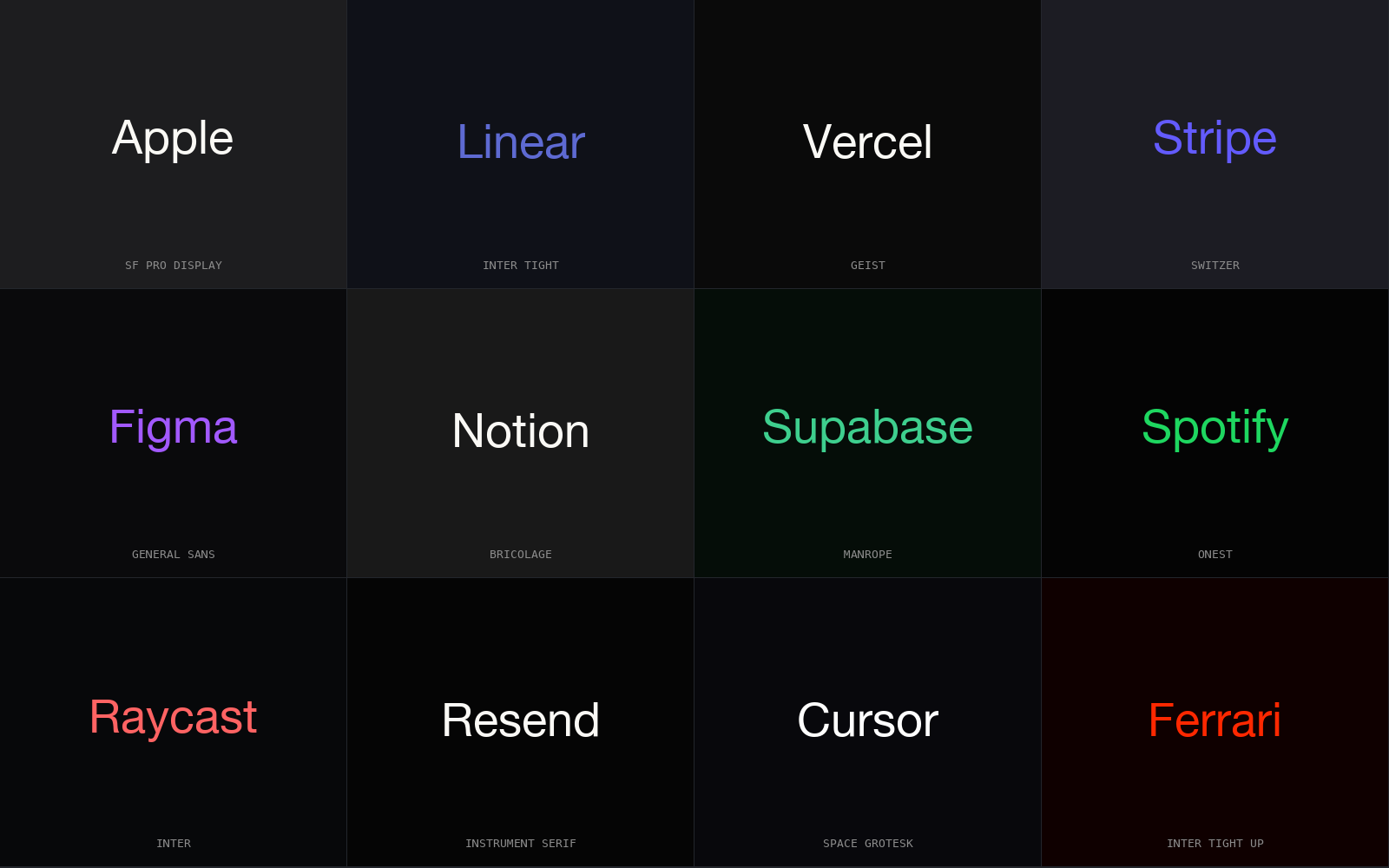
| type pair | Inter for everything | a display + body pairing from 65 vetted pairs |
| spacing base | one airy default | set by the density axis: 4px dense, 12px airy |
| radius scale | stock rounding | set by the geometry axis: sharp to soft |
| motion | library default | a timing preset chosen from the motion axis |
Same Radix behaviour, same component code, same accessibility, but a different surface, because the layer that was supposed to carry the brand finally does.
How the engine picks, and how it stays honest
The recommender is deterministic. It runs offline, with no model in the loop, through a fixed pipeline: the industry seeds the axes, the axes filter to a compatible style, the style narrows to a palette, a type pair, a motion preset, and the shadcn components that fit. Run the same brief on a different machine next week and the tokens come back identical, which is the opposite of asking a model to "make it pop" and getting a new look every time.
- Industry seed. A documented industry sets starting values across the seven axes; an unknown one starts neutral.
- Style and palette. The axes pick a style, the style narrows to a palette, so the neutral ramp and accent are chosen, not defaulted to zinc and violet.
- Type pair. A display-and-body pairing replaces Inter-for-everything, so headings stop reading as body text scaled up.
- Density and geometry. The density axis sets the spacing base; the geometry axis sets the radius scale, the two tokens that most separate one shadcn app from the next.
- Components. Only the shadcn primitives that fit the style come back, pre-wired to the resolved variables.
Then a regex linter reads the output before you commit. It carries the known shadcn fingerprints as hard rules: the untouched default look, the literal Tailwind purple-to-blue gradient class string, a violet-to-blue hex pair in a raw gradient, Inter deployed as a display face, and warm gray mixed with cool gray in one project. Each finding names the line and the fix, so the tell never reaches a reviewer. The catalogue behind it is the anti-pattern catalogue, and the exemplars it steers toward are the 160 brand specs: real systems, not templates.
The point
shadcn/ui handed you the one thing every other library kept locked: the styling layer. AI builds look the same because they hand that layer straight back, filled with the defaults. Give the engine a brief, let it resolve to tokens, and the linter catch the fingerprints, and the same components that made everyone look alike become the thing that makes you look like no one else.
pip install uxskill
# then, in your AI coding tool:
# /ux-recommend  : brief in, deterministic tokens out (or /ux-system for a full starter system)