Computer vision · 2026-06-04
Read a screenshot into a brief, without a vision model.
You see a competitor's app, or a Dribbble shot, and you want the same energy. The usual move is to paste it into a vision model and ask it to describe the design. ux-skill does the opposite: it measures the pixels with plain computer vision, returns a structured brief, and never sends the image anywhere. Here is what the pixels actually say, and where the honest limits are.
Why not just ask a vision model
A vision-LLM will gladly narrate a screenshot. The trouble is everything that comes with it. The image leaves your machine, the description costs a call, and the answer is non-deterministic, so the same shot can yield "warm and editorial" today and "clean and minimal" tomorrow. Worse, the narration is prose, not numbers. You wanted a palette and a density value to feed an engine, and you got an adjective.
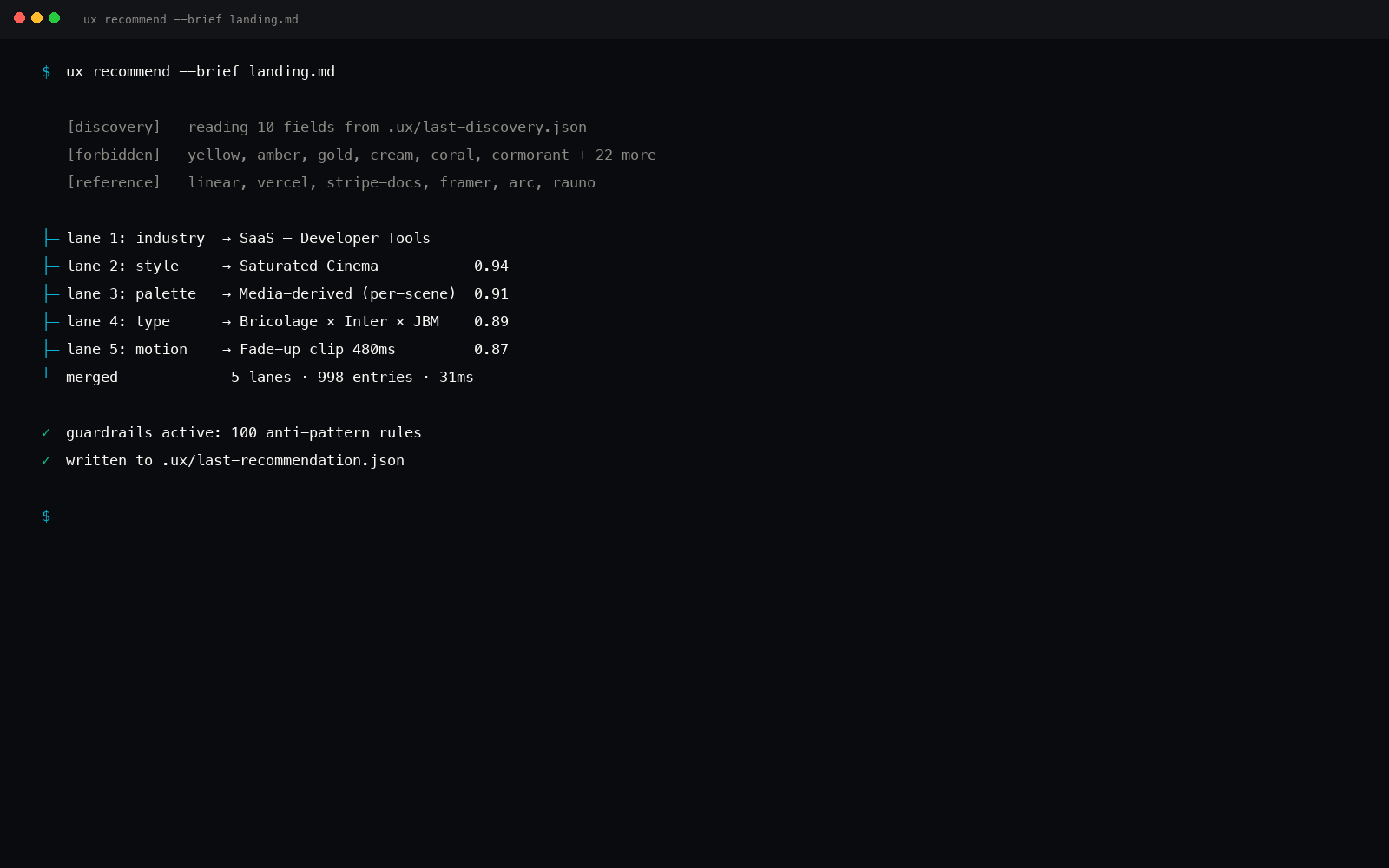
A screenshot does not need a model to be measured. Most of what defines a visual identity is recoverable with arithmetic over the pixel grid. So that is what ux image-extract does. It reads the image with plain computer vision, returns a brief plus design hints, and optionally runs the recommender on that brief in the same call.
What the pixels actually tell you
Three signals carry most of the weight, and all three are deterministic.
Palette, by k-means
Cluster the pixels in color space and the dominant swatches fall out: the canvas, the ink, and the one or two hues doing the accent work. No model is guessing the brand color. The math is reporting the colors that are literally most present in the image, as hex.
Canvas and type polarity
Is this a light theme or a dark one? Compute the relative luminance of the background region and you know. Compute it for the text regions and you know whether the type runs dark-on-light or light-on-dark. That single contrast relationship is most of what makes a design read as airy versus cinematic.
Density, by edge count
Run an edge pass and count the transitions per unit area. A sparse marketing hero and a dense trading dashboard produce very different edge densities, and that number maps cleanly onto the density axis the engine already uses to pick spacing and component scale.
From there the extractor turns those readings into two things: a brief the rest of the engine already understands, and a hints block that records exactly what the camera saw. A dark canvas pushes the brief toward dark and cinematic tone with a dark-mode requirement; a sans read adds precise and technical; a high edge count adds dense and data-rich. The hints carry the raw signals and the nearest named exemplars from the style and palette manifests. That is a real brief, not a paragraph of description.
uxskill image-extract competitor.png

# {
#   "image": "competitor.png",
#   "brief": {
#     "tone": ["dark", "cinematic", "precise", "technical", "dense", "data-rich"],
#     "must_have": ["dark-mode"],
#     "industry": "", "audience": [], "stack": ""
#   },
#   "hints": {
#     "dominant_colors": ["#0b0d10", "#f4f5f7", "#5b8cff"],
#     "canvas_polarity": "dark",
#     "type_polarity": "sans-serif",
#     "aspect": { "density": 0.21, "orientation": "landscape" },
#     "matched_style_id": "linear-precise-dark",
#     "matched_palette_id": "..."
#   }
# }
Why determinism matters here too
This is the same architectural rule that governs the rest of ux-skill, applied to a new surface: the engine is pure input to output, fully offline, and never calls an LLM. The screenshot reader follows it. Same image gives the same brief on your laptop, in CI, and on a teammate's machine. Nothing about the picture is uploaded, which matters when the screenshot is of a product that is not public yet.
It also composes. The brief that comes out of an image is the same shape as the brief that comes out of the ten-field discovery prompt, so it flows straight into recommend, into the synthesizer, and into the linter, all the way to tokens. The full command set is listed at commands, and the no-LLM rule that ties them together is covered in the deterministic engine post.
What it cannot do, plainly
- Name the exact typeface. Pixels reveal whether type is serif or sans, light or heavy, but not that a heading is set in a specific licensed font. The extractor reports polarity and weight character, not a font name.
- Reconstruct the layout tree. It reads density and balance, not a faithful DOM. You get the feel, not a pixel-perfect clone, which is the responsible outcome anyway.
- Copy a brand wholesale. The output is a starting brief drawn toward the nearest exemplars, not a forgery. You still bring your own content and make the taste calls.
A screenshot is data. Measuring it beats asking a model to describe it, because numbers feed a system and adjectives do not.
Try it
pip install uxskill
uxskill image-extract path/to/shot.png
uxskill lint ./out --threshold high
The extractor lives in the same offline engine as everything else. The module and its color math are on GitHub if you want to read exactly how the palette and density numbers are computed.