FIELD NOTES · 2026-05-29
How to make AI coding tools
output on-brand UI.
Ask Cursor, Copilot, or Claude for a settings page and you get a perfectly competent screen that looks like nothing in particular. The reason is simple: you gave it no brand to obey, so it rendered the most likely thing: the centroid of its training data. Re-prompting "more like our brand" does not help, because the model has no fixed constraint to hold onto. The fix is structure: hand it tokens it must consume and real brand references it can imitate, then verify the output mechanically.
Why the output is off-brand
A language model predicts the most probable next token given everything before it. When the brief is empty ("build me a pricing page") the most probable design is whatever appeared most often in training: shadcn defaults, a violet primary, Inter at every size, soft shadows, generous padding. That is not a bug. It is the model doing exactly what it was asked, against a prompt that specified nothing. The centroid is the rational answer to a question with no constraints.
Adjectives do not fix this. "Make it feel premium and modern" maps to a thousand renders the model has seen, so it averages them and you land back near the middle. "More like our brand" is worse: the model has no record of your brand, no fixed point to converge on, so it nudges in a random direction and you re-roll forever. The problem is not the model's taste. It is the absence of a hard target.
An adjective is a probability cloud. A token is a coordinate. You cannot move a model toward a cloud. You move it toward a coordinate.
The fix is structure, not better adjectives
To pull output off the centroid you give the tool two things it cannot average away: concrete tokens it must consume, and real brand references it can imitate.
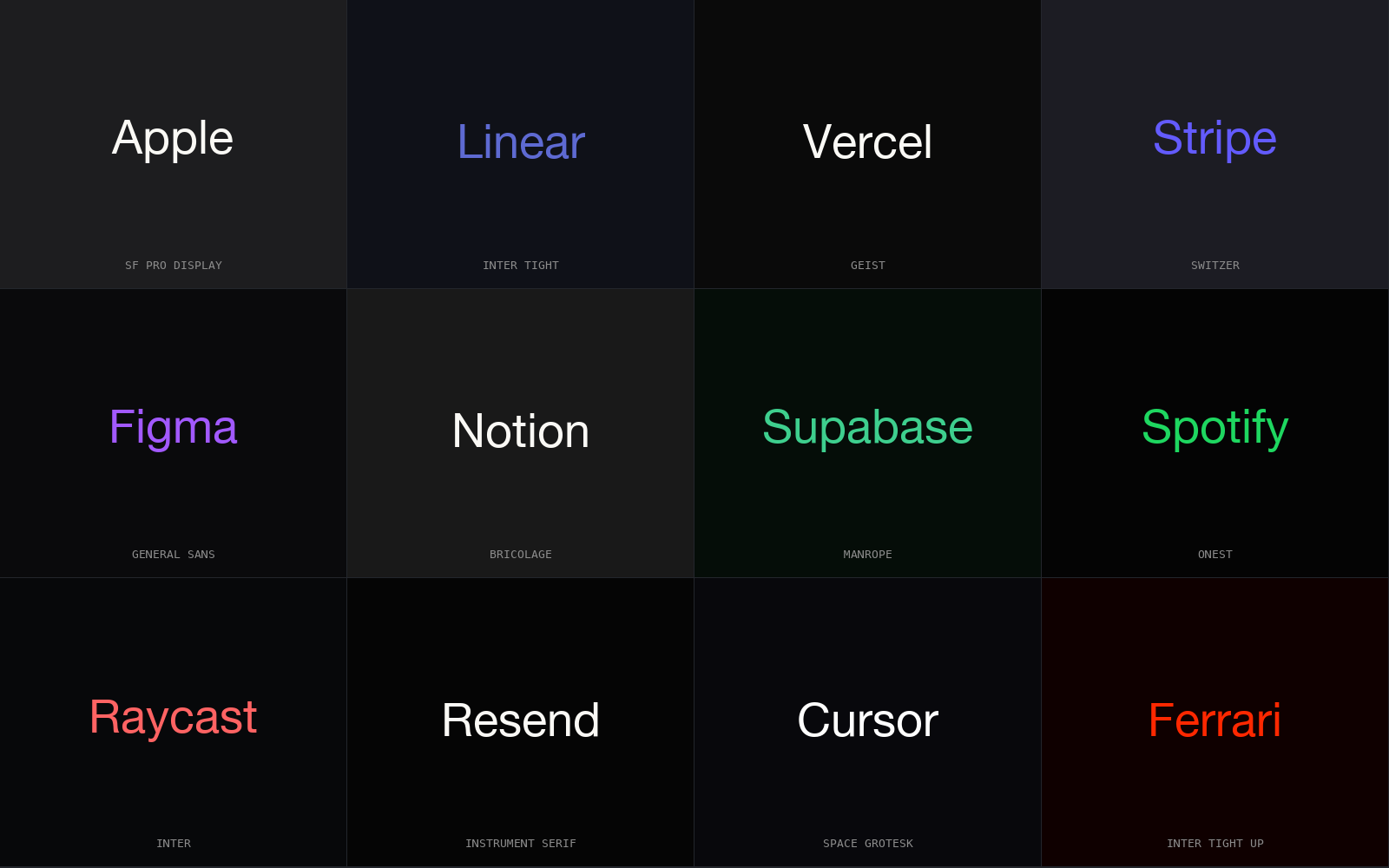
By tokens I mean numbers and named choices, not vibes: a palette ramp with actual hex stops, a type pair with named families and a scale ratio, a spacing base, a radius scale, motion presets with durations and curves, and an explicit set of component choices. A token is unambiguous (there is one #0b3d2e, one 1.2 ratio, one 6px base) so the model has nothing to drift toward. References do the rest: pointing at how Stripe sets a near-mono palette with a single saturated accent, how Linear runs tight type and short motion, or how your own product already handles color, gives the model a fixed pattern to copy instead of a mean to regress to.
| signal in the brief | what AI ships | on-brand token instead |
|---|---|---|
| "clean and modern" | shadcn default, violet primary | palette ramp seeded #0b3d2e, one accent |
| "good typography" | Inter at every size, 1.5 scale | Söhne / Tiempos pair, 1.2 ratio |
| "some breathing room" | 16-24px gaps, soft shadow | 8px base, hairline borders, no shadow |
| "feels polished" | pillowy radius, 300ms ease on all | 4px radius, 160ms on transform only |
Notice the shape of each fix: the left column is a wish, the right is a measurement. The whole move is converting wishes into measurements before the model ever runs.
Capture the brand once, as tokens
Do this work a single time and reuse it. Write the brand down as a small, flat token file (the same shape a design system uses) so it can be pasted into any tool and read by a check later.
brand:
  palette:   { canvas: "#0b0c0e", ink: "#f4f5f7", accent: "#e8852b" }
  type_pair: { display: "Söhne", body: "Inter", scale: 1.200 }
  density:   0.7      # 0 = airy, 1 = cockpit
  radius:    4        # px, sharp not pillowy
  motion:    { duration: 160, easing: "cubic-bezier(.2,0,0,1)" }
  forbidden: [ "violet primary", "drop shadows on cards", "Inter as display" ]
The forbidden list matters as much as the values. Half of staying on-brand is naming the defaults you refuse, so the tool has an explicit no rather than an implied one.
Feed it as a hard constraint
Tokens only work if they arrive as rules, not suggestions. Put the token file in context (a rules file the tool reads on every request, or the top of the prompt) and phrase it as obligation: "Use only these values. Do not introduce a color, family, radius, or duration outside this set." Then ask for the surface. The model still does the creative assembly, but every primitive it reaches for is one you chose, so the result reads as yours instead of as the average.
This is where references earn their keep. "Lay it out the way Linear lays out a settings page: tight rows, left-aligned labels, one accent for the active state" gives the model a concrete arrangement to copy. Real brand names work because the model has genuinely seen them; invented ones do nothing.
Lint for drift on the way in
The last step is the one most teams skip: check the output mechanically before it lands. A model under a tight brief still slips: it reaches for a stray #8b5cf6 or a default radius when unsure. A regex linter on commit catches exactly that class of error: the off-token literal no human notices in review.
- Off-token color. Any hex or named color not in the palette ramp is flagged. Drift shows up as a literal that should never have appeared.
- Default palette. The known shadcn violet and the Tailwind
500ladder are matched directly: the tells that mean "no brand was applied." - Centered-hero and stock layout. The centered-everything hero, the three-equal-card row, the soft-shadow card: the structural fingerprints of the centroid get caught by pattern, not by eye.
Run it on commit and drift cannot accumulate. The brief sets the target; the linter holds the line.
How ux-skill wires this together
The four steps map onto four parts of the tool. The deterministic recommender takes a brief and returns a full token system (palette, type pair, density, radius, motion) so you are not inventing values by hand; the same brief returns the same system, offline. /ux-system proposes a starter system for a project that has none, which becomes your captured brand. The 160 brand specs are the reference library the model imitates: real palettes and type stacks, not invented ones. The linter is the commit-time check, scanning for off-token literals and stock layouts so on-brand is enforced, not hoped for.
Brief in, tokens out, references attached, drift caught. The model keeps the creative assembly; you keep the constraints.
pip install uxskill
# /ux-recommend  : brief in, a full token system out (deterministic)
# /ux-system     : propose a starter system, then capture it as your brand